 F-GEN
Home / Features / Time and Attendance
Time and Attendance
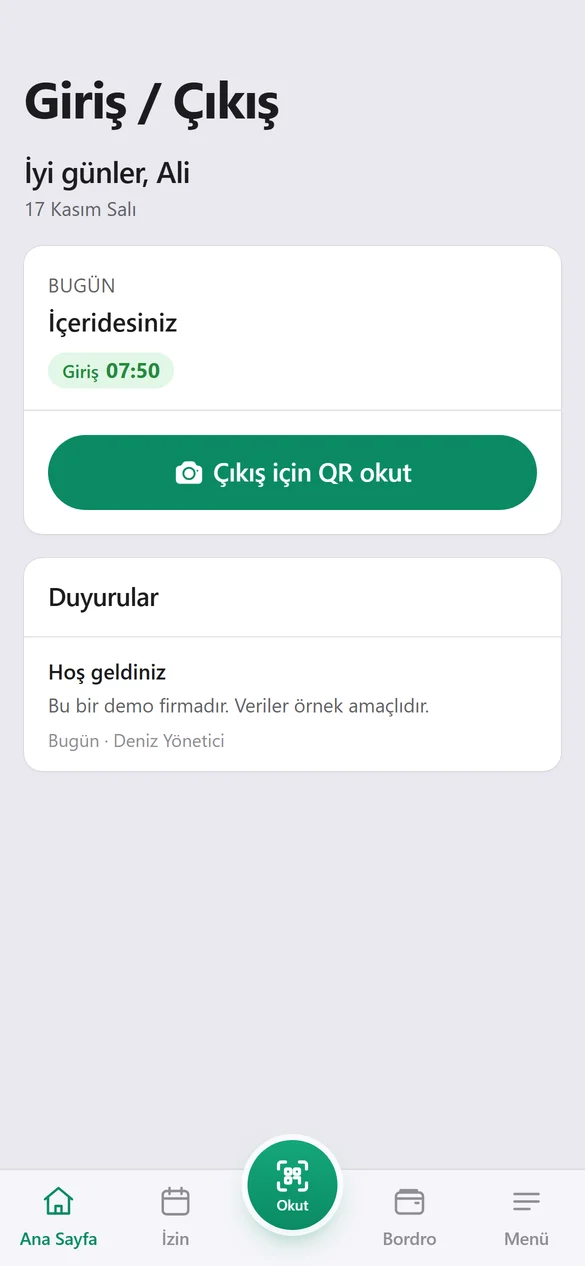
Employees scan the QR code at the workplace with their own phone when they arrive and leave. The location is checked and the time is recorded; no extra device is needed.
Step by step
Put up the QR code
You print the QR code from Settings and place it at the entrance. Each branch gets its own code.
The employee scans
The employee scans the code in the F-GEN app; the location is checked at that moment.
The record is saved
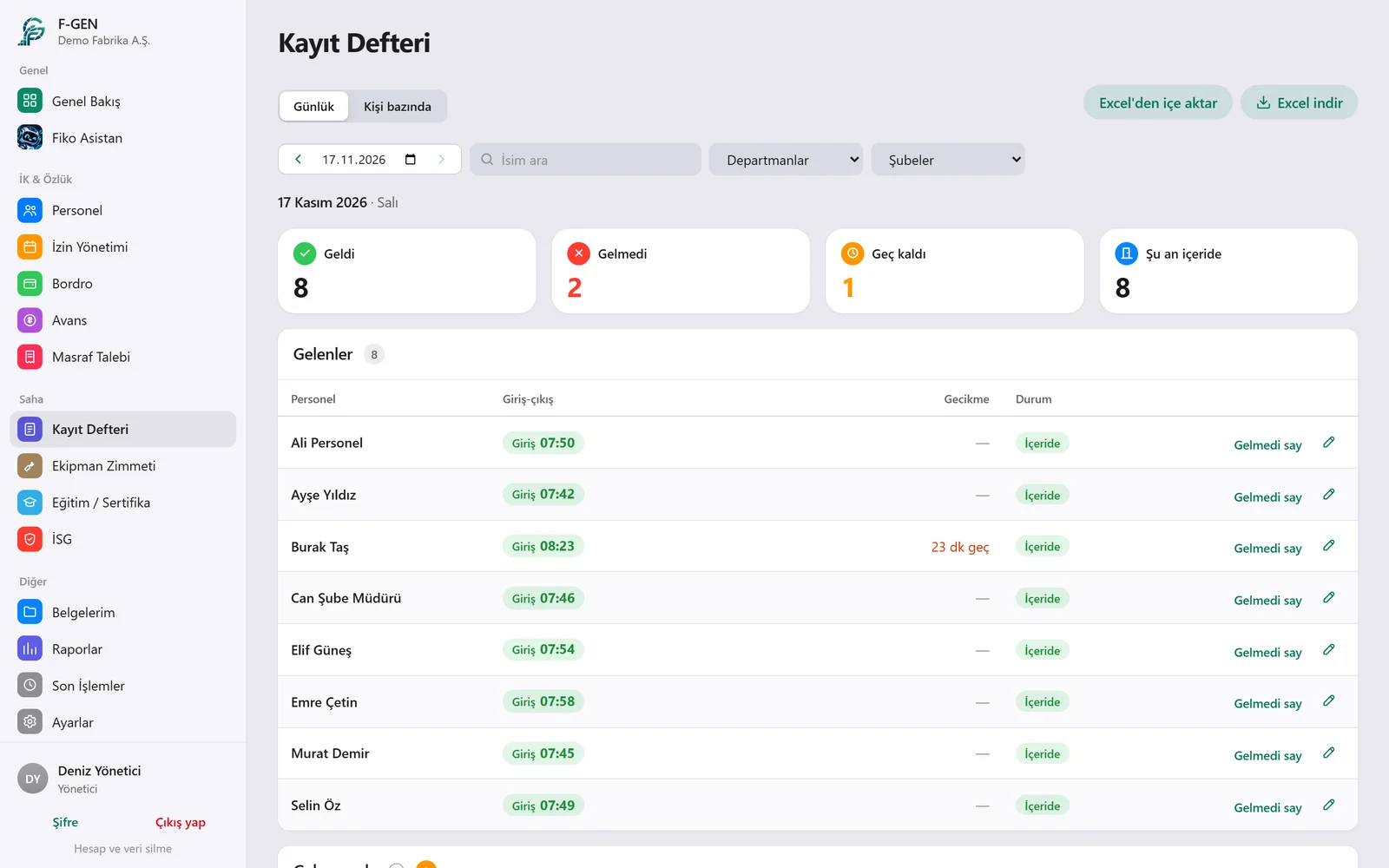
The clock-in or clock-out time goes into the log and appears on the admin panel right away.
End of day
People who forgot to clock out are listed; missing records can be completed by hand.
What you can do with Time and Attendance
Frequently asked
What if someone scans from home?
Scans from outside the distance you set are not accepted.
Is an internet connection needed?
The phone needs to be online while scanning; mobile data is enough.
What if an employee changes phones?
The admin resets the phone link on the Employees page and the employee signs in on the new phone.
Try it free for 14 days.
We open an account for your company and help with setup and importing your employees.